Airflow beats fan count
In pro builds, more fans do not automatically mean lower temps — direction does. The classic global pattern is simple: cool air in from the front (or bottom), hot air out the rear and top.
All-intake setups raise internal pressure without a clear exit. All-exhaust setups pull dust through every gap. Balance wins.

Recommended layouts
Office / light: 2 front intake + 1 rear exhaust. Quiet and enough for low heat.
Mid-range gaming: 2–3 front intake + 1 rear + 1–2 top exhaust. The GPU gets fresh air and the CPU still breathes.
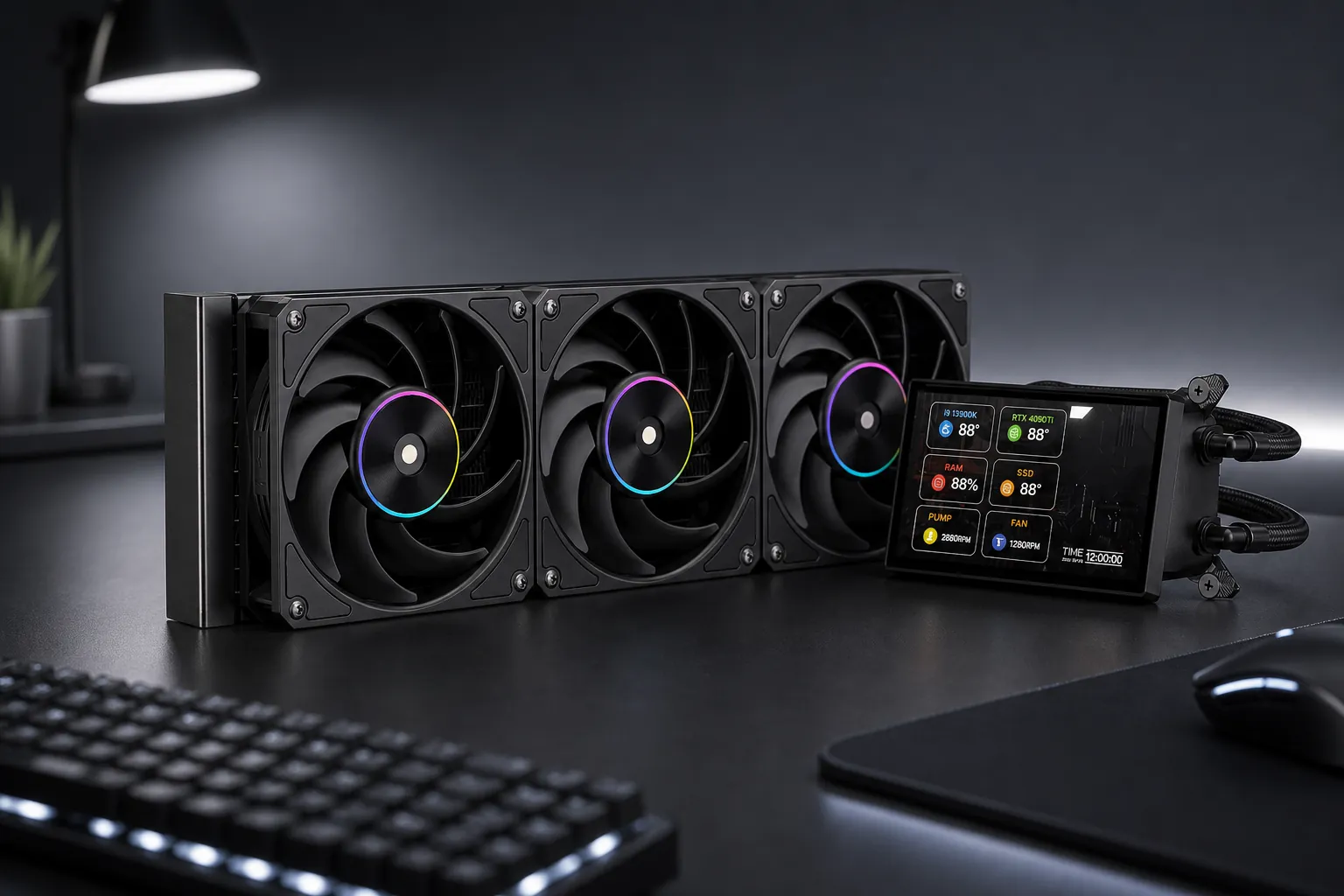
High-heat or closed cases: 3 intake + 2 exhaust, or an AIO as radiator intake plus two exhaust fans — the same idea Cooler Master guides push for demanding loads.
What Awest cases give you
Models like GT-AQ18 support up to ten 120 mm fans and 360 mm radiators on top, beside the motherboard tray and bottom. GT-AV401 goes further with front 480 mm radiator support.
Before buying extra fans, sketch the path: where air enters, where it leaves, and where the AIO sits. Keep dust filters clean — without them, even a perfect layout fades in months.
